ViewSonic’s ultrawide monitor lineup covers three distinct needs: office multitasking, color-accurate creative work, and high-refresh gaming. Each model pairs a specific resolution and panel with the features that use case actually needs, rather than one all-purpose ultrawide trying to cover every job.
Below are ViewSonic’s top ultrawide picks by use case, with the full spec sheet for each one, or browse the full ViewSonic ultrawide monitor lineup.
What Makes a Good Ultrawide Monitor?
A good ultrawide monitor matches its resolution and panel size to how you’ll use it, since more pixels only help if your GPU and workflow can take advantage of them.
- Screen size and resolution: 34-inch panels at 3440 x 1440 (UWQHD) cover most office and gaming use cases, while 38-inch panels at 3840 x 1600 add vertical room for creative work at nearly identical pixel density
- Productivity features: single-cable USB-C docking, RJ45 Ethernet, and KVM switching cut down on cable clutter for multitasking setups
- Image quality and panel technology: VA panels deliver higher contrast for general use, while ColorPro models add factory calibration and a Delta E rating under 2 for design and photo work
ViewSonic Ultrawide Top Picks at a Glance
| Model | Resolution | Panel | Refresh Rate | Brightness | Best For |
|---|---|---|---|---|---|
| VG3456 | 3440 x 1440 | VA, Flat | 60Hz | 300 cd/m² | Budget office |
| VG3456CA | 3440 x 1440 | VA, 1500R | 100Hz | 350 cd/m² | Office docking |
| VG3457CV | 3440 x 1440 | VA, 1500R | 100Hz | 350 cd/m² | Video calls |
| VP3456a | 3440 x 1440 | VA, 1800R, ColorPro | 75Hz | 400 cd/m² | Design and photo |
| VP3881a | 3840 x 1600 | IPS, 2300R, ColorPro | Up to 75Hz | 300 cd/m² | Video editing |
| VX3480-2K-PRO | 3440 x 1440 | VA, Flat | 100Hz HDMI / 165Hz DP* | 300 cd/m² | Gaming |
| VX3418C-2K | 3440 x 1440 | VA, 1500R | 100Hz HDMI / 180Hz DP* | 250 cd/m² | Curved gaming |
*Both gaming models reach their top refresh rate only over DisplayPort. HDMI is capped lower on each.
Best Budget Office Pick: VG3456
The VG3456 is the base version of the VG3456CA, dropping the curved panel, USB-C wattage, and dual HDMI 2.1 down to a simpler flat panel with older HDMI 1.4 ports to hit a lower price.
- Resolution: 3440 x 1440 (UWQHD), 21:9
- Panel: MVA, flat (no curve), 300 cd/m² brightness, 3,000:1 contrast
- Refresh rate: 60Hz, per ViewSonic’s marketing copy (the spec sheet lists a 25ms typical response time and 5ms only with overdrive enabled, so scrolling won’t feel as crisp as the higher-tier docking models)
- Connectivity: 90W USB-C, RJ45 Ethernet, dual HDMI 1.4, DisplayPort, integrated USB hub
- Audio: built-in 3W x2 speakers
- Warranty: three-year limited warranty on parts, labor, and backlight
60Hz is fine for spreadsheets, documents, and browsing, but noticeably less smooth than the VG3456CA’s 100Hz when scrolling long pages or dragging windows across the full 34 inches. The older HDMI 1.4 ports also cap out at lower bandwidth than the HDMI 2.1 on the VG3456CA, which matters if you plan to run this off a game console or a newer GPU.

Best for Office Work: VG3456CA
The VG3456CA is a 34-inch UWQHD docking monitor built to replace a separate laptop dock.
- Resolution: 3440 x 1440 (UWQHD), 21:9
- Panel: VA, 1500R curve, 350 cd/m² brightness, 3,000:1 contrast
- Refresh rate: 100Hz, 5ms response time
- Connectivity: 100W USB-C plus a secondary 15W USB-C port, RJ45 Ethernet, dual HDMI 2.1, DisplayPort, integrated USB hub
- Audio: built-in 5W x2 speakers
- Warranty: three-year limited warranty on parts, labor, and backlight
The primary 100W USB-C cable handles video, data, and laptop charging at once, and the built-in RJ45 port gives you a wired network connection without a separate dongle. The second 15W USB-C port is enough to keep a phone or tablet charged on the side.

Best for Video Calls: VG3457CV
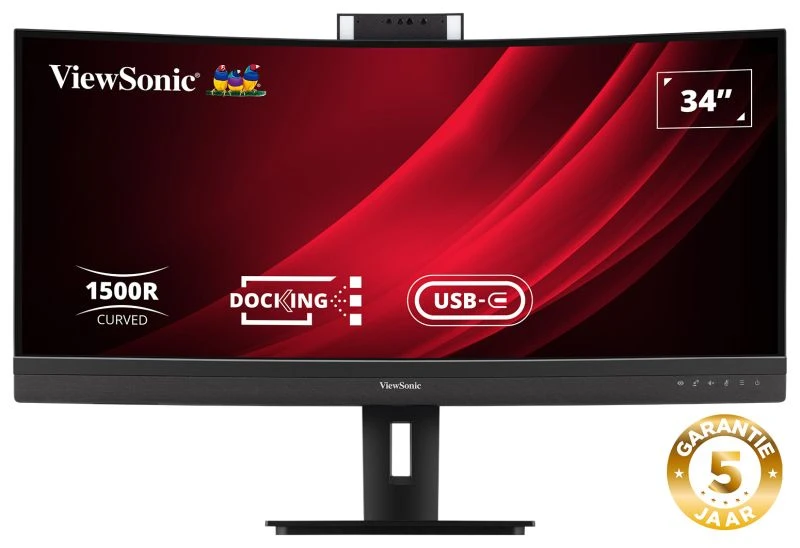
The VG3457CV uses the same UWQHD panel as the VG3456CA but replaces some general docking features with video conferencing hardware.
- Resolution: 3440 x 1440 (UWQHD), 21:9
- Panel: MVA, 1500R curve, 350 cd/m² brightness, 3,000:1 contrast
- Refresh rate: 100Hz, 5ms response time
- Camera and audio: 5MP pop-up webcam with Windows Hello IR sign-in and Zoom certification, built-in microphone, front-firing 5W x2 speakers
- Connectivity: 100W USB-C plus a secondary 15W USB-C port, RJ45 Ethernet, dual HDMI 2.0, DisplayPort
- Warranty: three-year limited warranty on parts, labor, and backlight
The webcam pops up when needed and tucks away for privacy when it’s not, which matters more for a shared or open office desk than a permanently mounted camera.


Best for Design and Photo Work: VP3456a
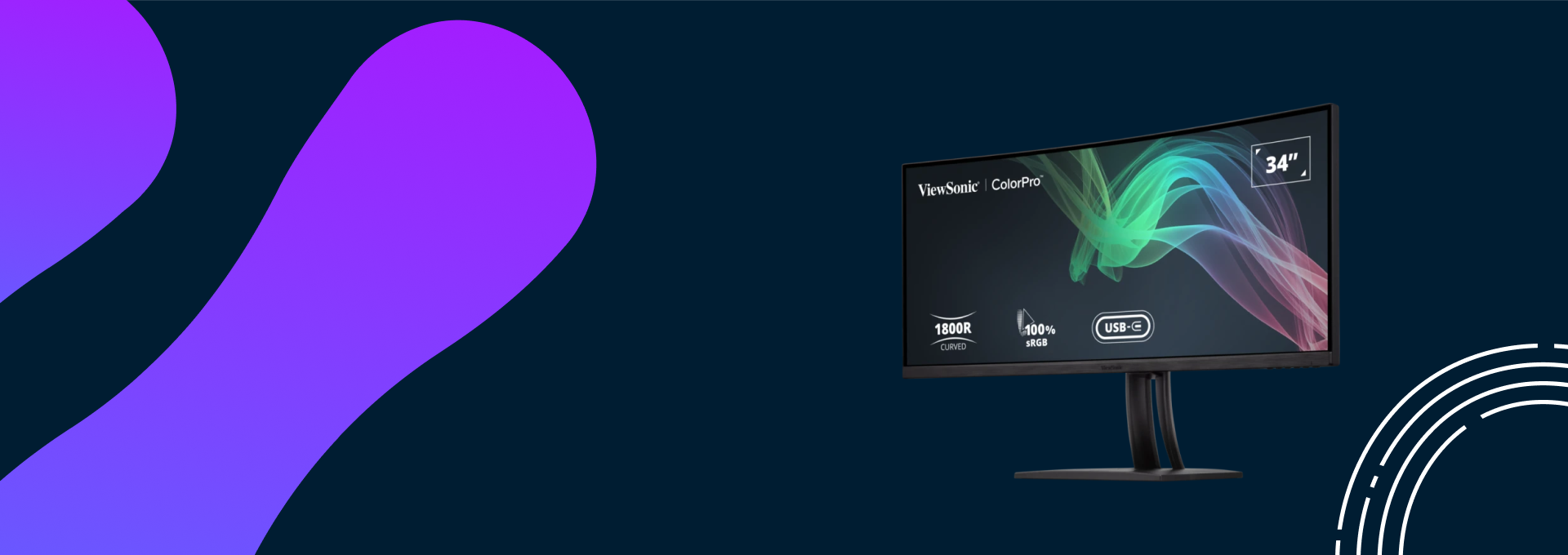
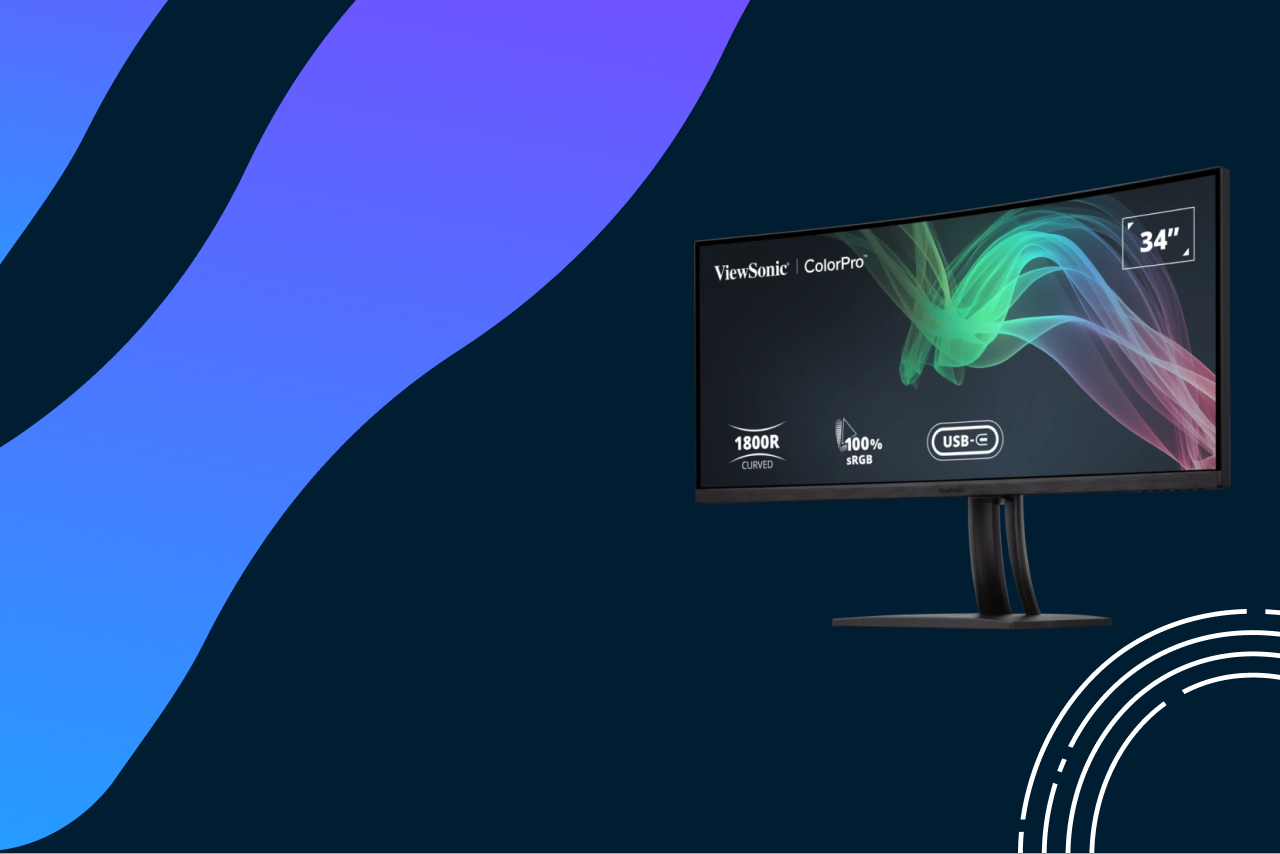
The VP3456a is ViewSonic’s ColorPro pick at UWQHD resolution, built for designers and photographers who need dependable color without third-party calibration.
- Resolution: 3440 x 1440 (UWQHD), 21:9
- Panel: MVA, 1800R curve, 400 cd/m² brightness, 4,000:1 contrast
- Refresh rate: 75Hz, 5ms response time
- Color accuracy: 99% sRGB coverage, Delta E under 2, Pantone Validated, 14-bit 3D LUT for a 4.39 trillion color palette
- Connectivity: 100W USB-C, RJ45 Ethernet, dual HDMI 2.0, DisplayPort
- Audio: built-in 3W x2 speakers
- Warranty: three-year limited warranty on parts, labor, and backlight
The Pantone Validated certification means the panel has been independently tested against the Pantone Matching System, which matters if client or brand color guides reference Pantone codes directly.

Best for Video Editing: VP3881a
The VP3881a steps up to 38 inches and 3840 x 1600 resolution, giving video editors more visible timeline space than the 34-inch ColorPro model.
- Resolution: 3840 x 1600 (WQHD+), 21:9
- Panel: IPS, 2300R curve, 300 cd/m² brightness, 1,000:1 contrast, HDR10 support
- Response time: 5ms, with an input range up to 75Hz rather than a dedicated high refresh rate, since this model is built for color accuracy rather than gaming
- Color accuracy: 100% sRGB coverage, Delta E under 2, Pantone Validated, 14-bit 3D LUT
- Connectivity: 90W USB-C, RJ45 Ethernet, dual HDMI 2.0, DisplayPort
- Audio: built-in 5W x2 speakers
- Warranty: three-year limited warranty on parts, labor, and backlight
Hardware calibration is available through ViewSonic’s optional Colorbration Kit, which is sold separately rather than built in. Note this model does not include a KVM switch, unlike some other ColorPro monitors.

Best for Gaming: VX3480-2K-PRO
The VX3480-2K-PRO is ViewSonic’s flagship ultrawide gaming pick in the global lineup, built around refresh rate and HDR10 support on a flat panel rather than a curved one.
- Resolution: 3440 x 1440 (UWQHD), 21:9
- Panel: VA, flat (no curve), 300 cd/m² brightness, 4,000:1 contrast, HDR10
- Refresh rate: 100Hz over HDMI 2.1, up to 165Hz over DisplayPort, 1ms MPRT response time
- Sync: AMD FreeSync Premium
- Connectivity: dual HDMI 2.1, DisplayPort 1.4, USB-A 2.0. No USB-C on this model, and it uses an external power adapter rather than an internal power supply.
Unlike most of ViewSonic’s other ultrawide gaming monitors, this one is flat rather than curved, which suits players who also use the screen for spreadsheet or CAD work where straight lines matter. Warranty terms for this model vary by market, so check with your regional ViewSonic listing rather than assuming the three-year US warranty applies.

Best Curved Gaming Pick: VX3418C-2K
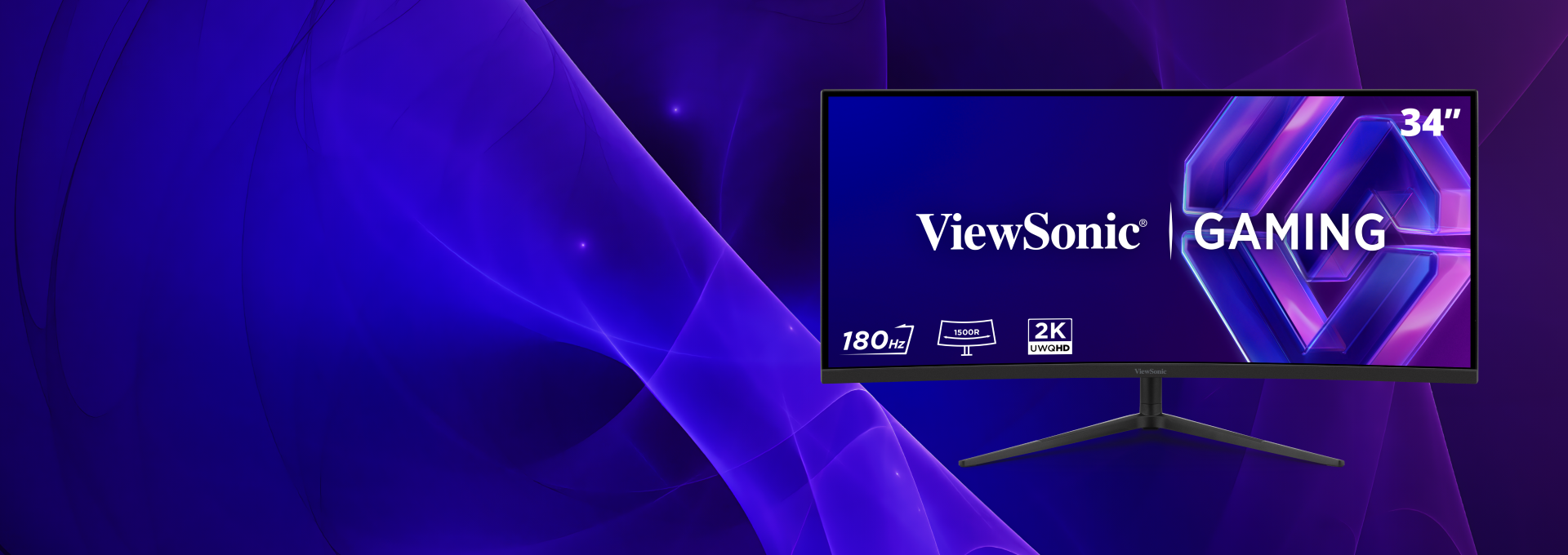
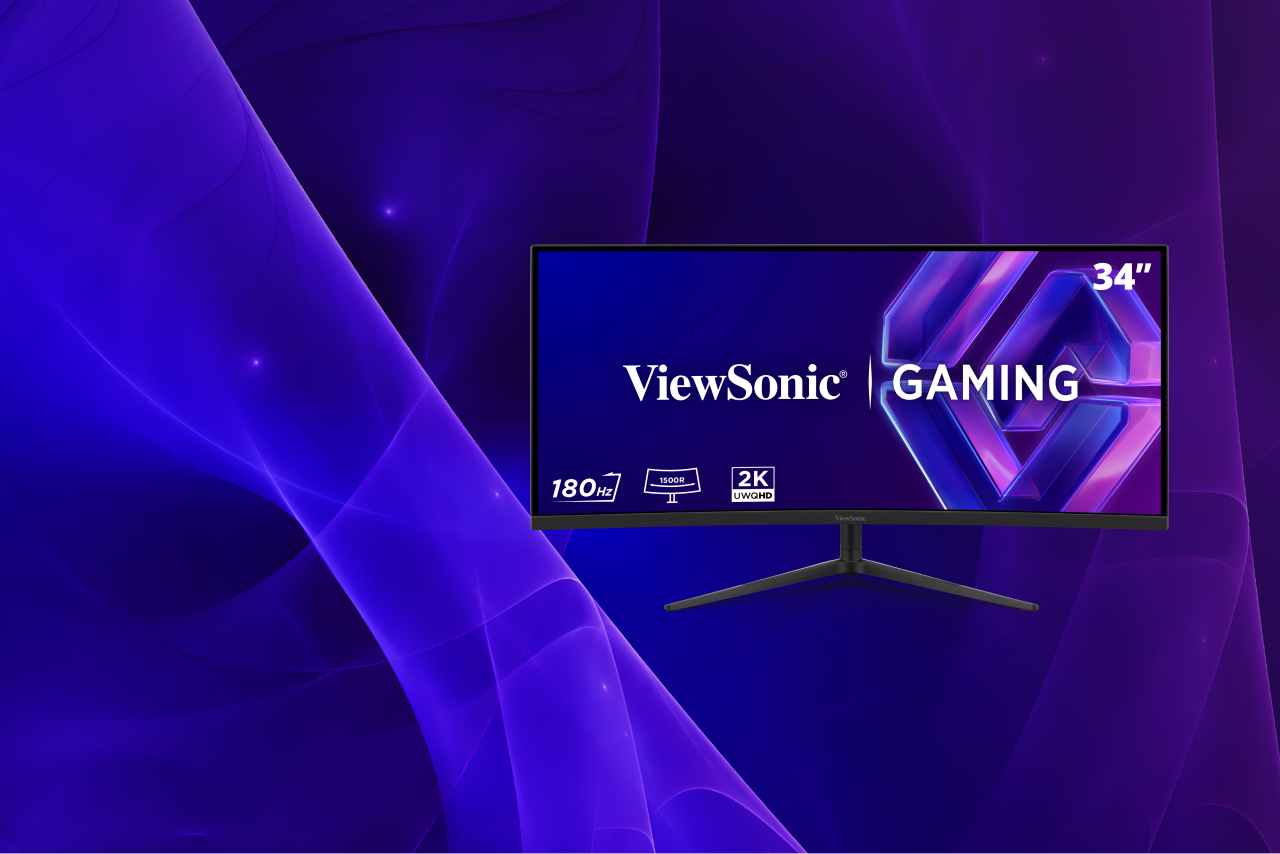
The VX3418C-2K covers the same resolution as the VX3480-2K-PRO but adds a 1500R curve and a higher 180Hz ceiling over DisplayPort.
- Resolution: 3440 x 1440 (UWQHD), 21:9
- Panel: MVA, 1500R curve, 250 cd/m² brightness, 4,000:1 contrast
- Refresh rate: 100Hz over HDMI 2.0, up to 180Hz over DisplayPort, 2ms typical GTG response time (1ms MPRT)
- Sync: AMD FreeSync Premium
- Connectivity: dual HDMI 2.0, dual DisplayPort 1.4
- Audio: built-in 5W x2 speakers
- Warranty: three-year limited warranty on parts, labor, and backlight
Note that ViewSonic’s current official spec sheet for this model does not list HDR10 support, even though it appears in some older retailer listings. Treat HDR support on this model as unconfirmed rather than assuming it carries over from earlier versions.

Choosing the Right ViewSonic Ultrawide Monitor
Narrow the decision down by matching these factors to your workflow before comparing specific models.
- Desk depth: a 34-inch curved monitor needs at least 26 inches of desk depth, while the 38-inch VP3881a needs 30 inches or more
- Resolution needs: 3440 x 1440 covers most office and gaming use cases without heavy GPU demand; 3840 x 1600 adds room for creative timelines and toolbars
- Connectivity: USB-C docking and RJ45 Ethernet matter most for laptop-based office setups; note that ViewSonic’s gaming-focused ultrawides in this lineup skip USB-C entirely
- Curve depth: a lower curve rating means a tighter curve. The VX3418C-2K uses a 1500R curve, while the VP3881a uses a gentler 2300R curve suited to its wider 38-inch panel. The VX3480-2K-PRO and base VG3456 are flat
Final Thoughts
The right ViewSonic ultrawide monitor comes down to matching your primary use case to the panel built for it: docking and Ethernet for office work, ColorPro calibration for creative projects, or high refresh rate and HDR for gaming. Trying to cover all three with one all-purpose monitor usually means overpaying for features you won’t use.
Browse the full ViewSonic ultrawide monitor lineup to compare specs side by side.
Frequently Asked Questions
A 34-inch UWQHD monitor like the VG3456CA covers most office multitasking without needing extra desk depth. The 38-inch VP3881a makes more sense if you regularly work with multiple documents or spreadsheets stacked vertically.
Both use the same 3440 x 1440 resolution and RJ45 docking setup. The VG3456CA adds a 1500R curve, higher 350 cd/m² brightness, dual HDMI 2.1, and a faster 100Hz refresh rate at 100W USB-C, while the base VG3456 is flat, 300 cd/m², limited to older HDMI 1.4 ports, and runs at 90W USB-C for a lower price.
Yes. ViewSonic’s USB-C models, including the VG3456CA and VP3456a, connect to modern MacBooks over a single cable for video, power, and data. Note that ViewSonic’s gaming-focused ultrawides in this lineup, the VX3480-2K-PRO and VX3418C-2K, don’t include USB-C, so a Mac would need to connect over HDMI or DisplayPort instead.
Both are flat-or-curved variants of the same resolution class, but they’re genuinely different panels. The VX3480-2K-PRO is flat, tops out at 165Hz over DisplayPort, and is confirmed for HDR10. The VX3418C-2K adds a 1500R curve and reaches 180Hz over DisplayPort, but ViewSonic’s current spec sheet for it doesn’t list HDR10 support. Neither model includes USB-C.
The VX3418C-2K or VX3480-2K-PRO handle office multitasking fine during the day and switch to high-refresh gaming at night, since their UWQHD resolution works for both. Neither has USB-C docking or RJ45 Ethernet, though, so a docking model like the VG3456CA is a better fit if single-cable laptop charging and a wired network connection matter more than gaming features.
The post Best ViewSonic Ultrawide Monitors appeared first on ViewSonic Library.