
 Prudent Penny Pincher
 Give your screen a fresh start for a new month! These free phone February wallpapers have cozy winter vibes, hearts, pink tones, and festive designs.
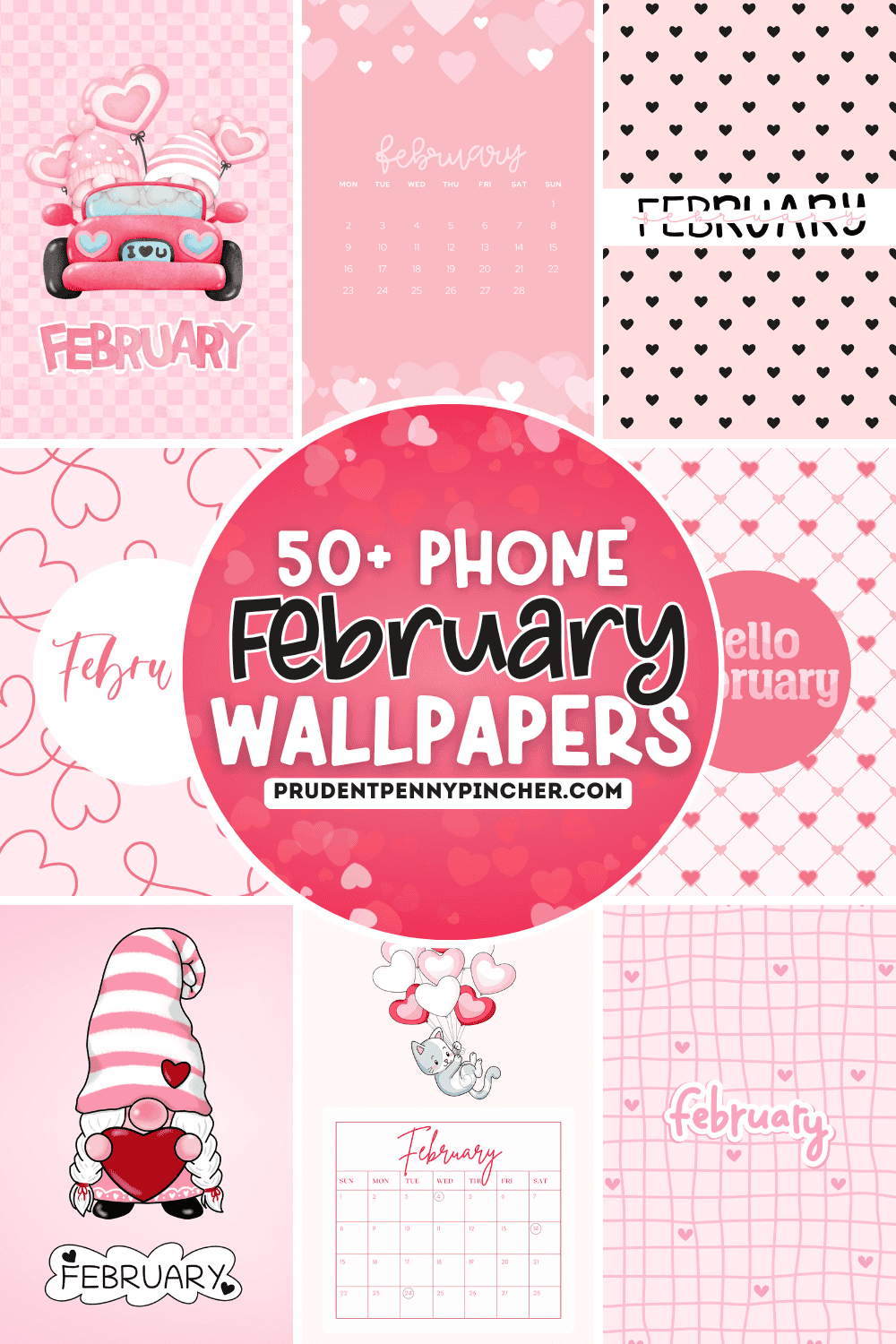
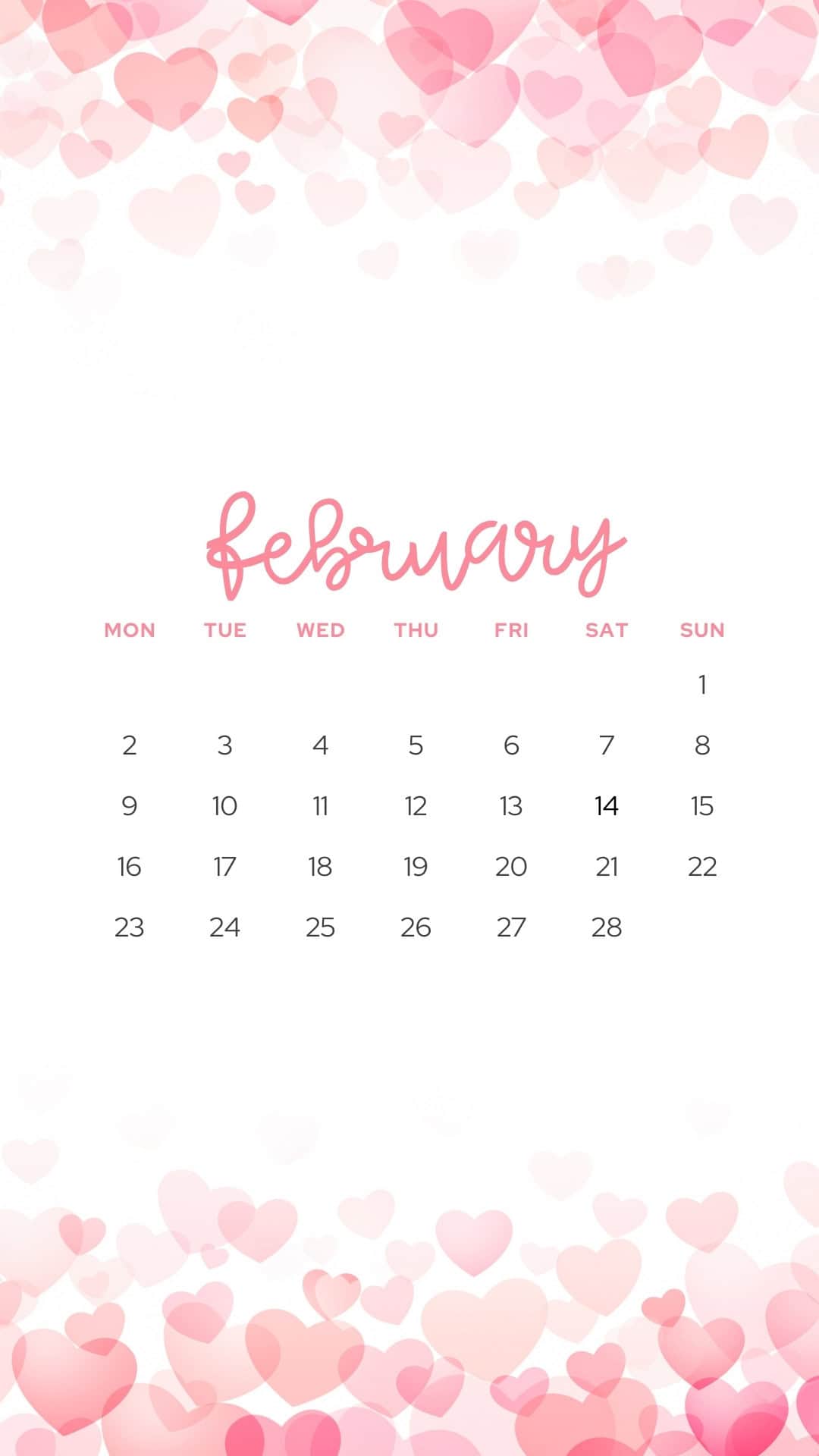
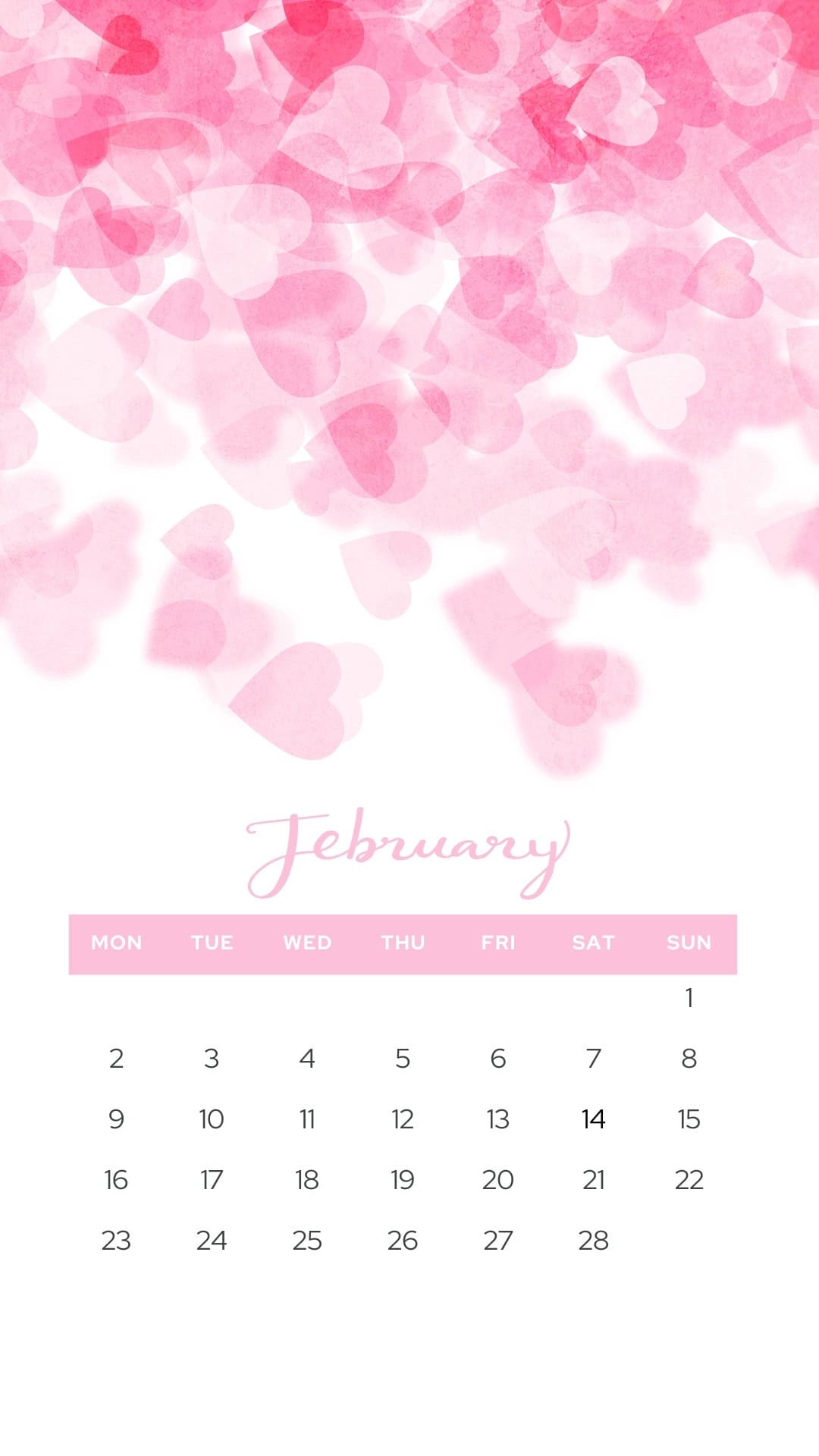
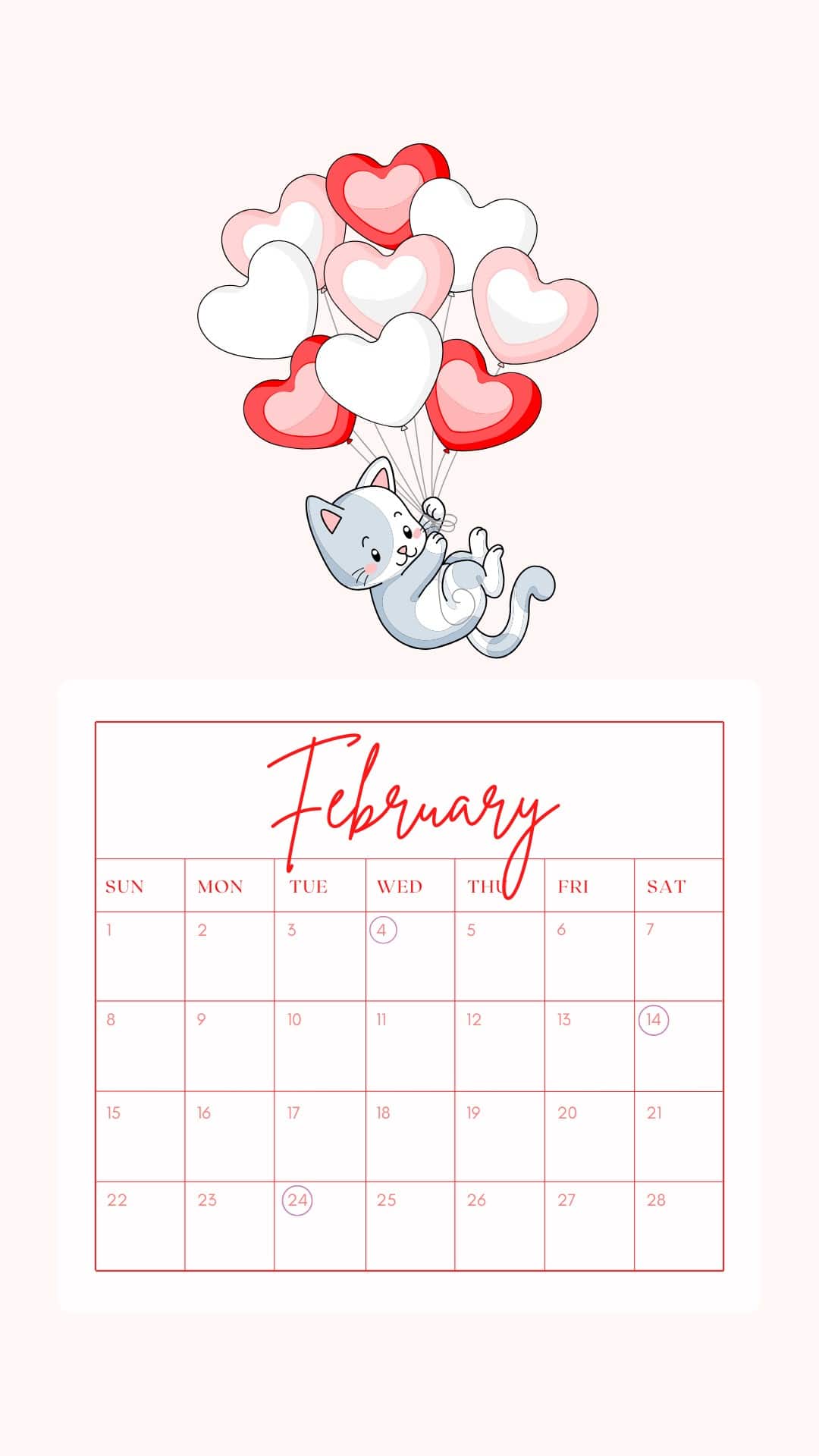
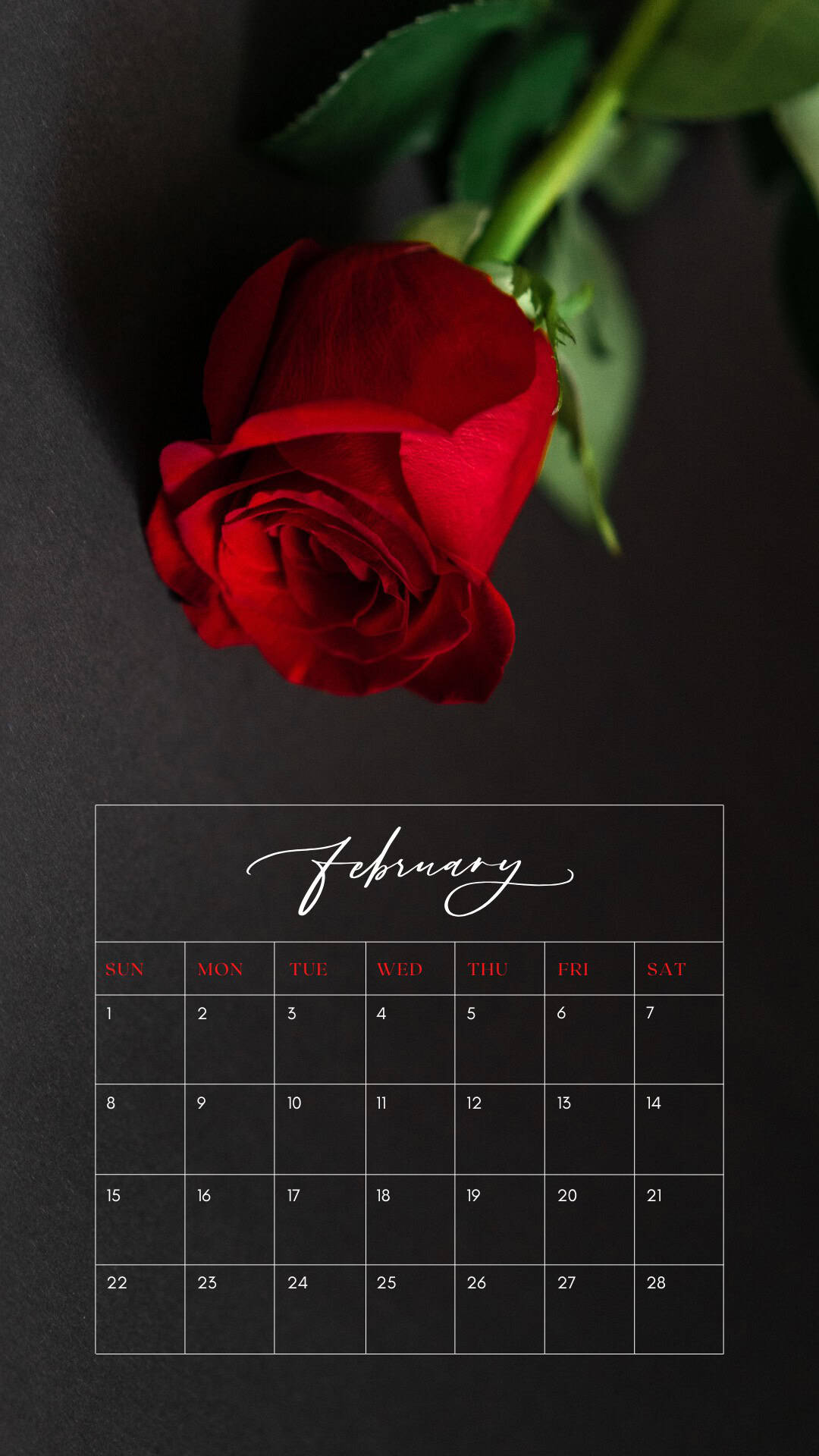
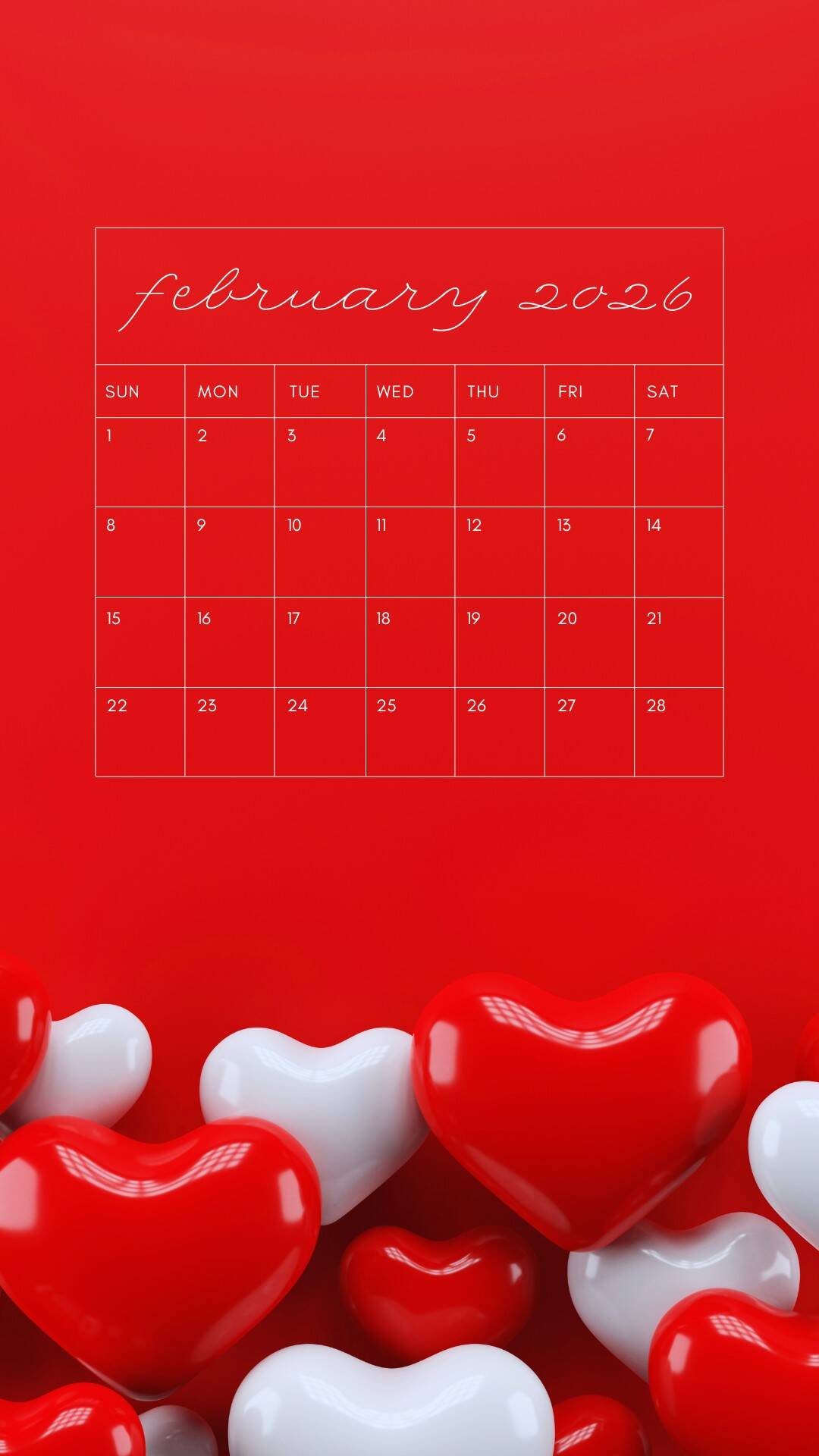
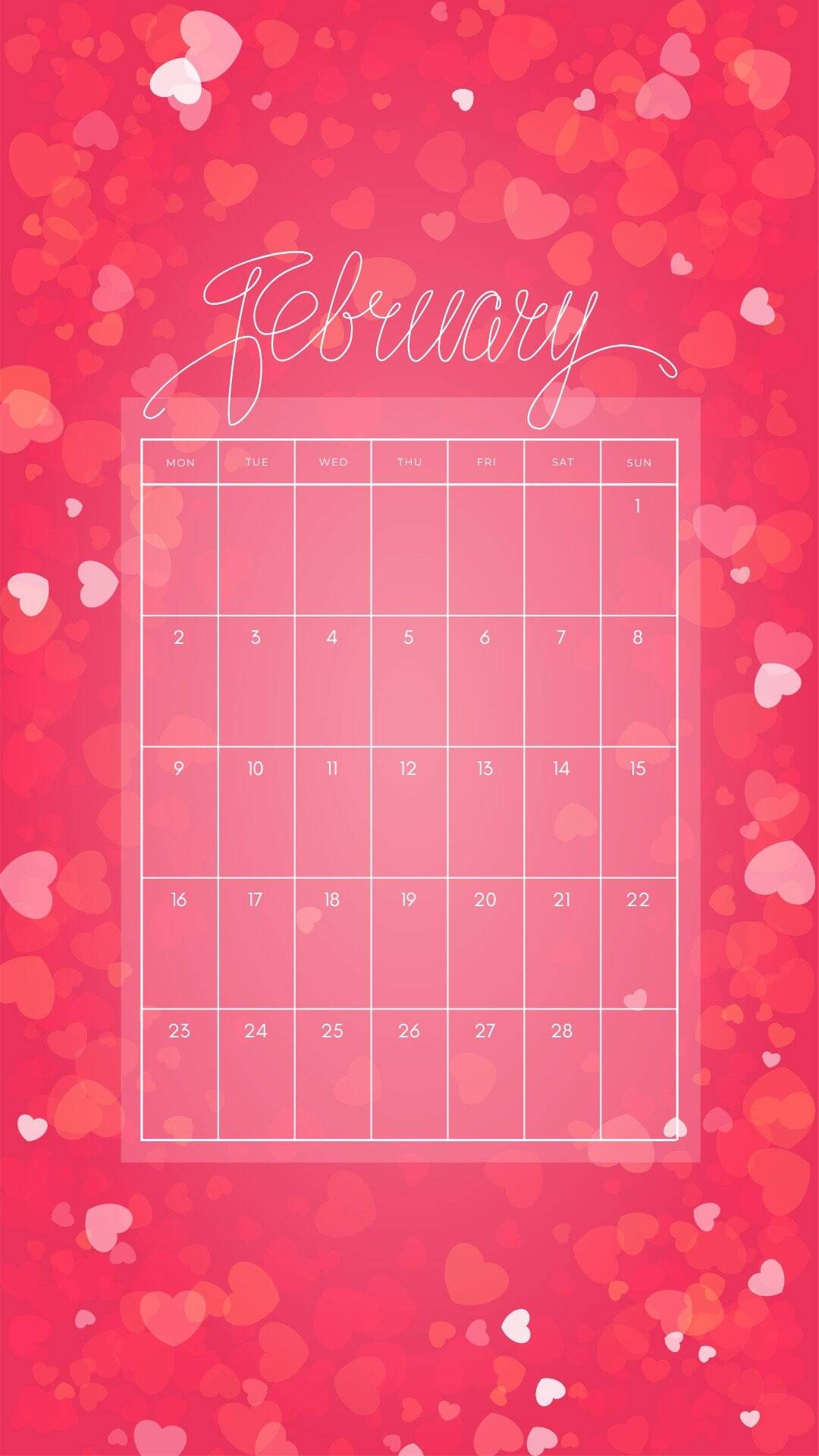
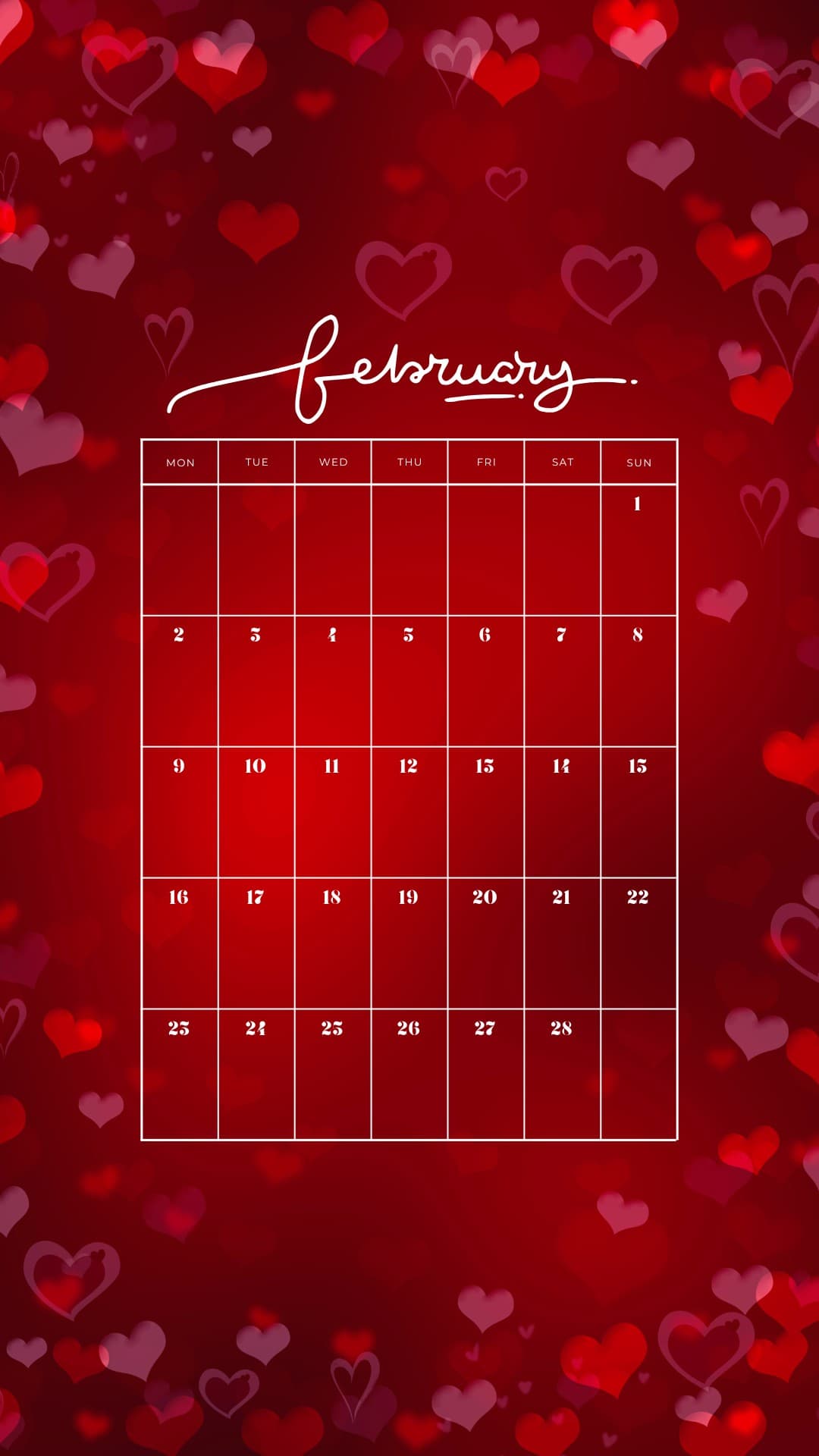
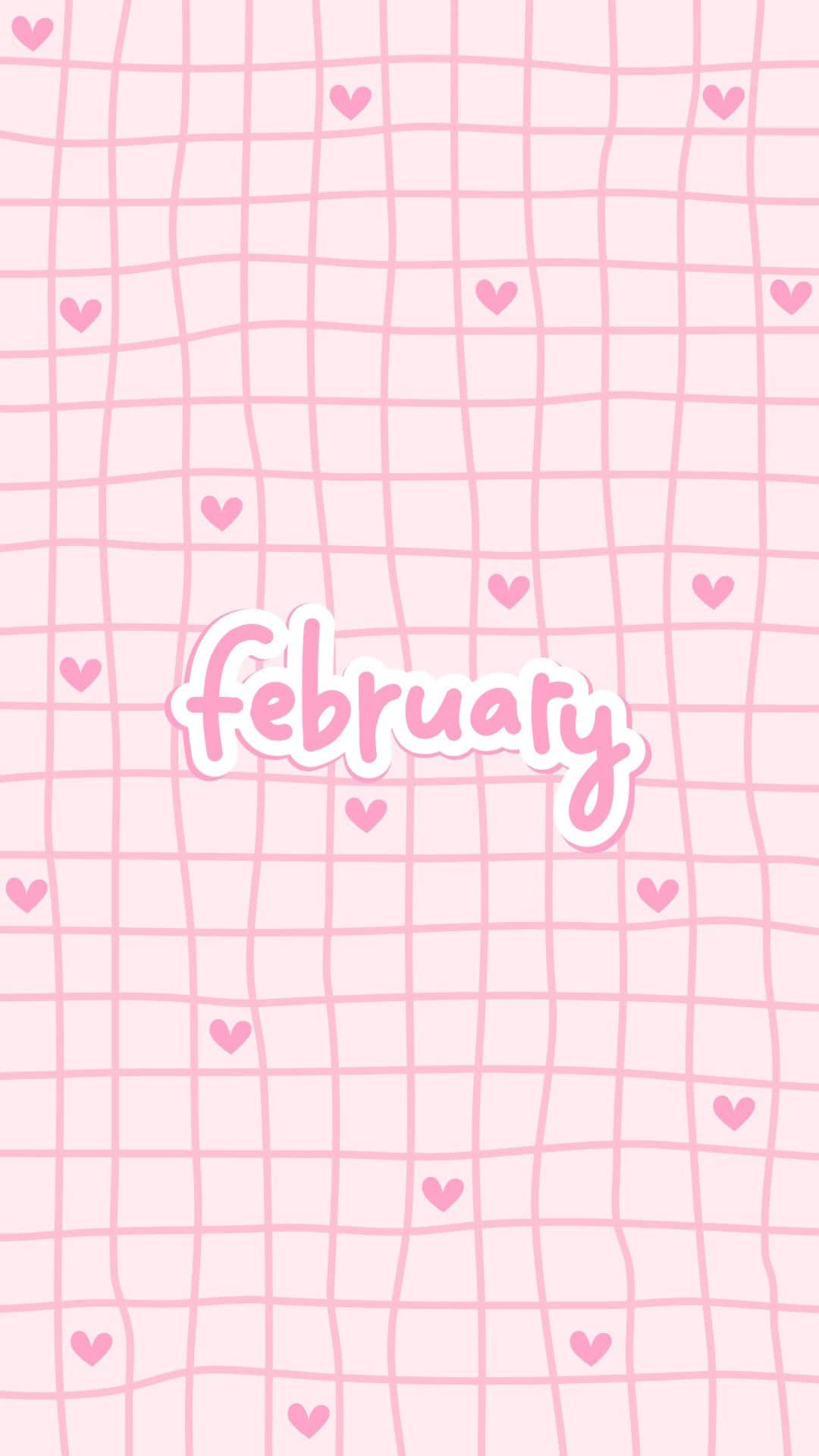
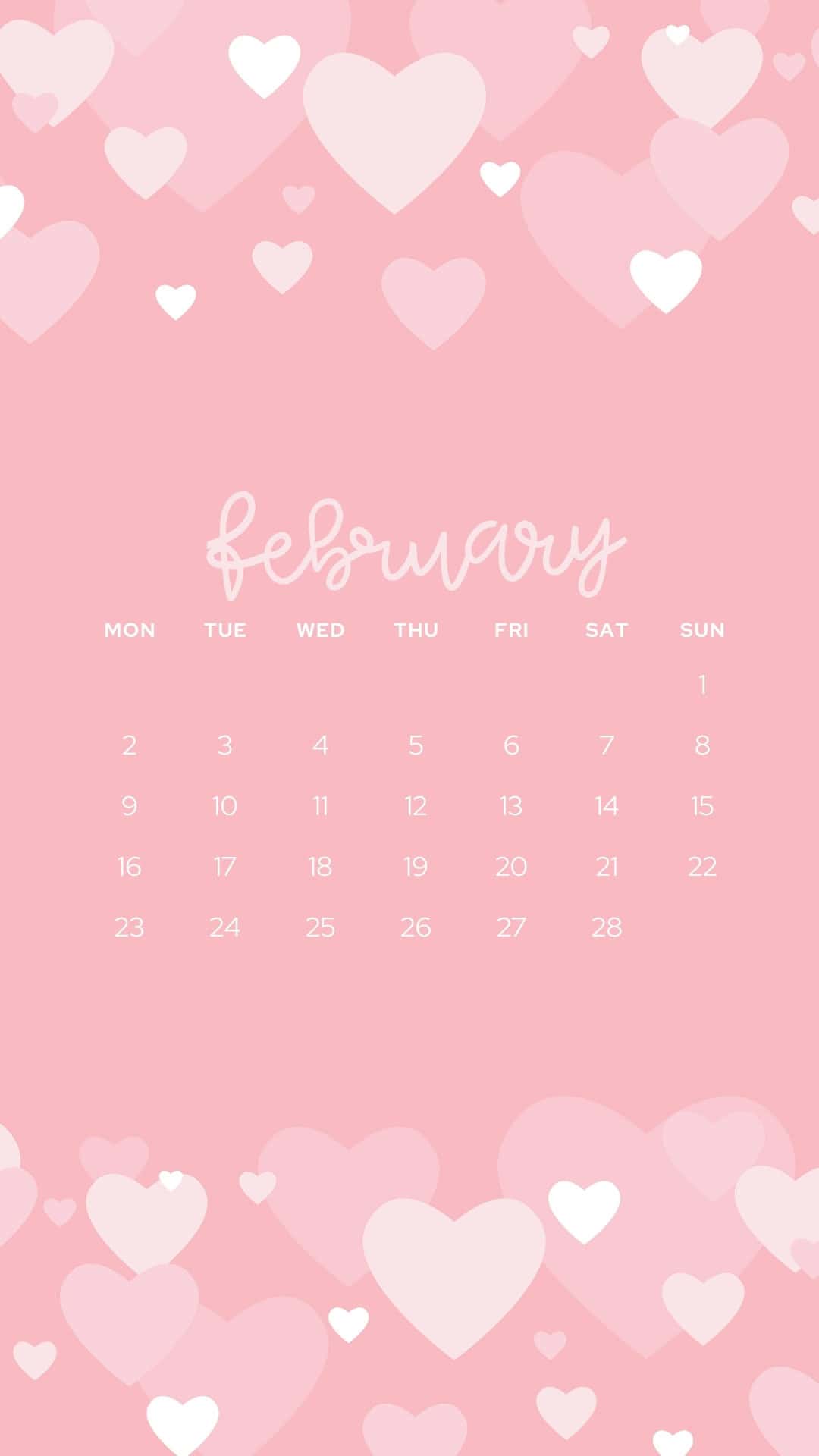
These February backgrounds are aesthetic and cute-so your screen can match the mood of the month. You'll find a mix of sweet and practical options, including several February 2026 calendars (perfect if you like seeing your month at a glance). Some are soft and dreamy with floating hearts in pink, while others go bold with red accents and heart borders.
If you love a more realistic look, there are photo collage-style designs that feel like little snapshots of the season with cozy Valentine details like envelopes, candy hearts, and soft sparkly textures paired with a elegant “Hello February†scripts. They're the kind of backgrounds that make your lock screen feel festive in a subtle way. There’s also fun patterns like bows, tiny hearts, and lollipop hearts, plus romantic Valentine's Day wallpapers and even winter backgrounds like a snowy forest scene in rosy tones.
How to Download the February Phone Wallpapers
- Tap the background you want (or click it on desktop).
- The image will open in a new tab at full HD size (1080 x 1920 px, 9:16 JPG).
- Save the full-size wallpaper to your phone:
- iPhone: Press and hold the image, then tap Add to Photos or Save Image.
- Android: Press and hold the image, then tap Download image or Save image.
- Your background will be saved in your Photos app (iPhone) or Gallery/Photos app (Android).
How to Set the Wallpaper on iPhone
- Open Photos and find your saved image.
- Tap the image, then tap the Share icon (square with an arrow).
- Choose Use as Wallpaper (or Wallpaper).
- Pinch to zoom and drag to position it the way you like.
- Select Lock Screen, Home Screen, or Set Both.
- Tap Set or Done to apply your new background.
How to Set the Wallpaper on Android
Option 1: From the Gallery/Photos app
- Open Gallery or Photos and tap your saved image.
- Tap the three dots (or More) and select Set as wallpaper (wording may vary).
- Choose Home screen, Lock screen, or Both.
- Adjust the placement if needed, then confirm.
Option 2: From the Home Screen
- Press and hold on an empty spot on your Home Screen.
- Tap Wallpaper or Wallpaper & style.
- Select the February background from your Gallery/Photos.
- Set it for your Home screen, Lock screen, or Both, then confirm.
February Wallpapers


























More Wallpapers
- 40 Free Phone February Wallpapers
- 50 Free Phone Heart Wallpapers
- 60 Free Phone Valentine’s Day Wallpapers
- 60 Free Winter Wallpapers for the Phone



Follow me on Pinterest, Facebook, Flipboard, or Instagram for more inspiration on crafts, DIY, free printables, and recipes!
The post 40 Free Phone February Wallpapers appeared first on Prudent Penny Pincher.
 TechHive
  The Insider
  Six Leaf Design - Freelance Graphic Design Blog
  Help! I'm Not a Geek
  Culinary Capers Catering
  The Joys of Boys