
 JustLogin Blog
 Short answer: JustLogin now supports voice clocking through Siri on iOS. Employees can clock in and out by speaking, without opening the app or unlocking their phone, and can ask about their schedule and attendance the same way. It suits anyone whose hands are full when they arrive at work. Available now on iOS, alongside the JustLogin mobile app.

Clocking in assumes two things: that you have a free hand, and that you have a spare minute. Neither holds up particularly well against how people actually arrive at work.
They arrive carrying trays, boxes, tools, and files. They arrive wearing gloves. They arrive already late, already talking to someone, already three steps into the first task of the day. Somewhere in there, the system expects them to stop, find a phone, unlock it, open an app, and tap a button.
That describes a lot of people:
-
Kitchen and F&B staff, arriving with both hands occupied
-
Delivery drivers, clocking between stops
-
Warehouse and manufacturing teams, in gloves or handling equipment
-
Retail floor staff, opening up while customers are already waiting
-
Field technicians, moving between sites
-
Office employees, walking in with a laptop bag, a coffee and a phone call
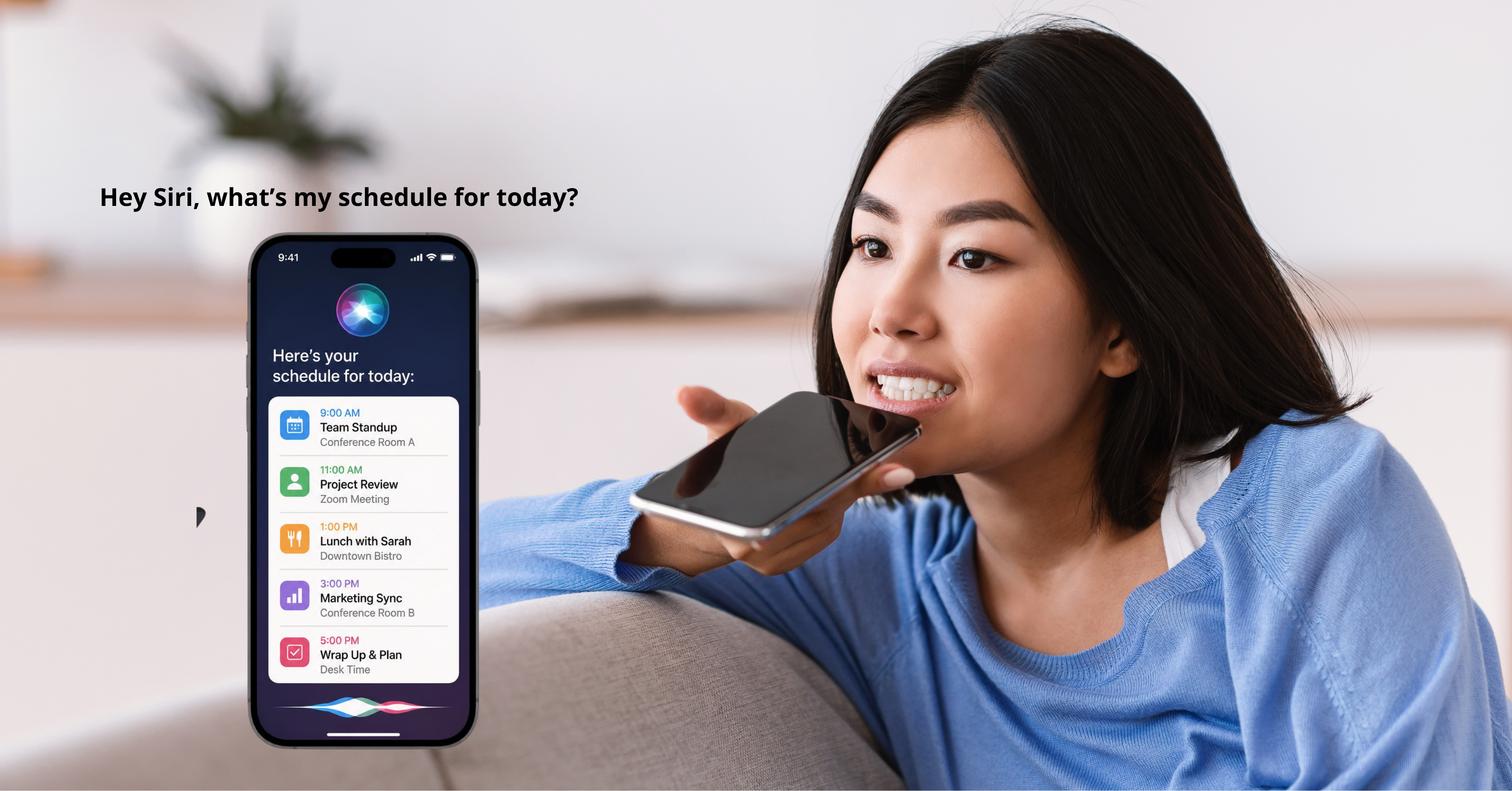
Why a small friction becomes a data problem
Nobody skips clocking in as an act of defiance. They skip it because at that particular moment it is genuinely inconvenient, and they fully intend to do it once they’ve put things down. Then the shift starts, and it doesn’t happen.
The consequences arrive later, and they land on someone else:
-
Missed clock events that nobody notices until the timesheet is generated
-
Manual corrections by admins, reconstructing what probably happened from memory and roster data
-
Timesheets that need chasing before anyone can approve them
-
Attendance data that reflects who remembered to clock in, rather than who was actually there
That last one is the real cost. Once a meaningful share of records are corrections rather than clock events, the data stops being evidence and starts being an estimate. Every report built on it inherits the same softness.
Attendance records are only ever as accurate as the method is easy.
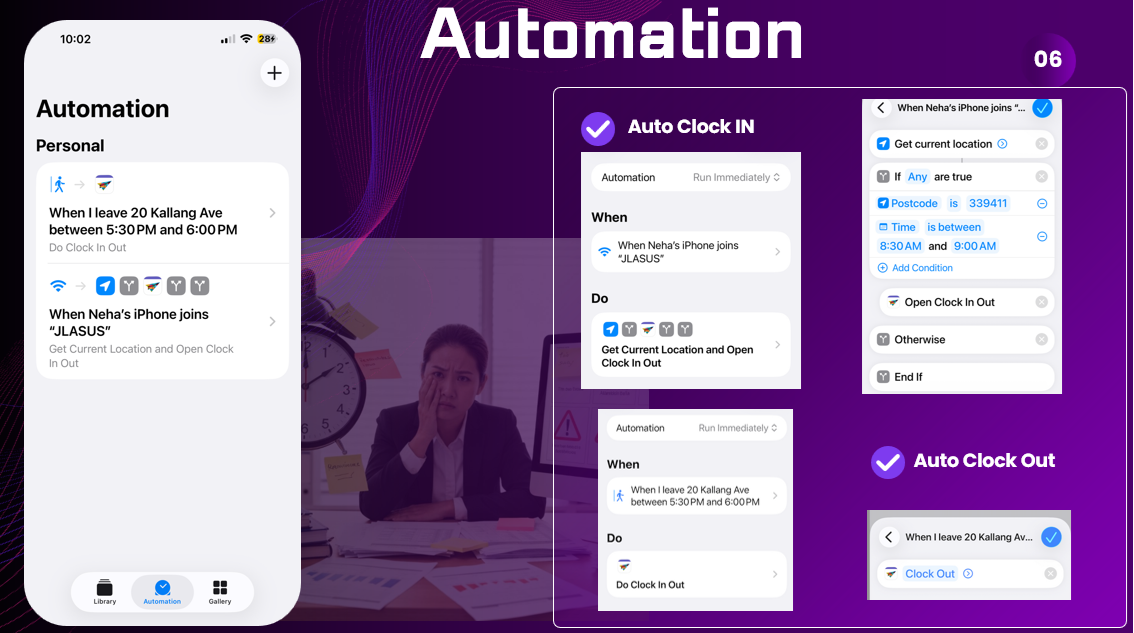
What Siri voice clocking does
Voice clocking removes the device from the process entirely.
-
Clock in and out by speaking on iOS
-
No app to open, no screen to unlock, no button to find
-
Ask about your schedule and attendance the same way – hours, shifts, what’s coming up
-
The clock event is recorded exactly as it would be through any other method
Nothing downstream changes. The record lands in the same place, feeds the same timesheet, and follows the same approval route. The only difference is how it got there.
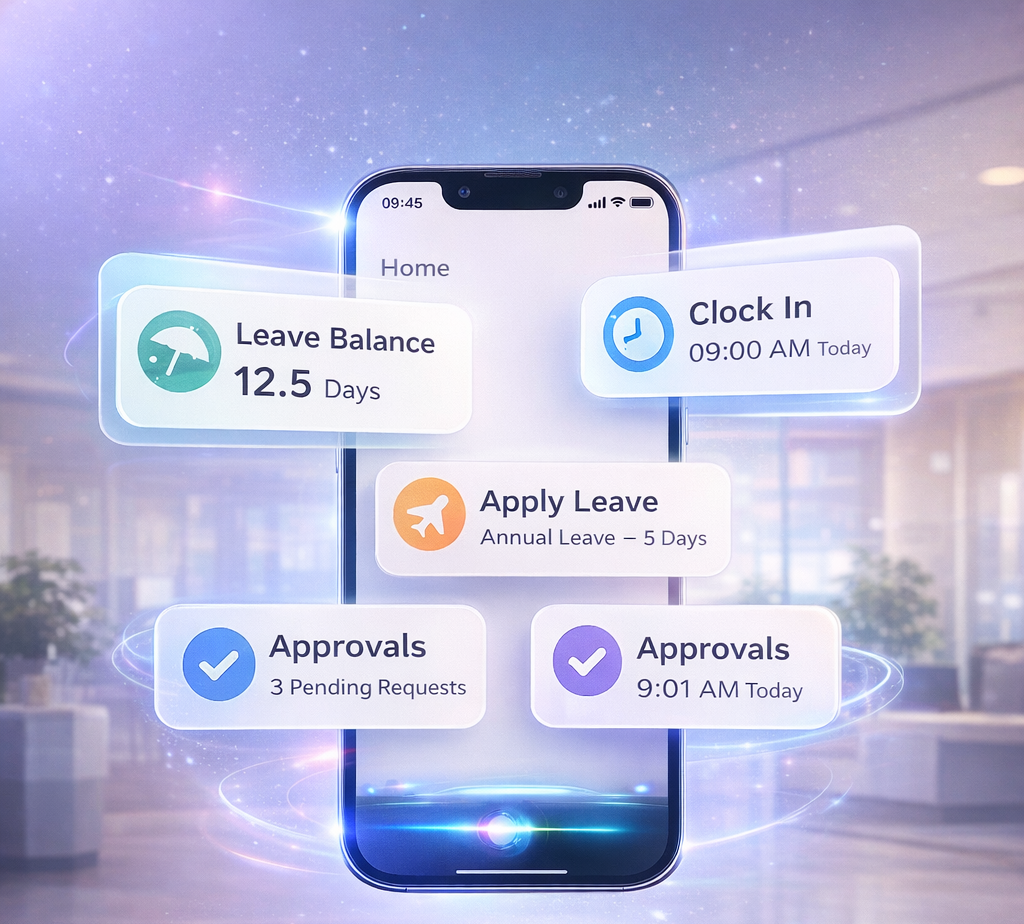
Speaking is faster than tapping
The gap between the two looks trivial written down. In practice, it decides whether the clock event happens at all.
Tapping requires a sequence: stop walking, free a hand, retrieve the phone, unlock it, find the app, wait for it to load, tap the button. Seven steps, most of which need somewhere to put whatever you were carrying.
Speaking requires one. It happens while you are still moving, and it happens at the moment you actually arrive rather than several minutes later once you’ve settled.
That difference matters most at exactly the times attendance data is least reliable – the start of a rush, the beginning of a split shift, the morning someone is running late.

Where it earns its keep
F&B and kitchen staff
-
Arriving with hands full, then straight into service
-
Split shifts mean several clock events a day, and each one is another chance to forget
-
Voice clocking removes the step that keeps getting skipped
Warehouse and manufacturing
-
Gloves, equipment and safety gear make phones awkward at exactly the wrong moment
-
The start of a shift is the busiest point of the day for everyone at once
-
Speaking works while walking, so nobody stops and nobody waits
Employees running late
-
The instinct when late is to get to the desk first and clock in afterwards
-
Afterwards is usually inaccurate, and sometimes never happens at all
-
The clock-in happens on the walk in instead

Getting started
Siri voice clocking is available on iOS, through the JustLogin mobile app. It sits alongside whatever clocking setup you already run rather than replacing it, so teams that need it can use it while everyone else carries on as before.
For Singapore SMEs looking at attendance for the first time, the module is part of JustLogin’s Productivity Solutions Grant package – worth checking before you budget for it, since eligible companies can claim a substantial share of the cost.
The point isn’t the novelty of speaking to a phone. It’s that every bit of friction removed from clocking in shows up later as a record you can actually trust.
See how JustLogin Attendance handles clocking → Attendance Software Singapore — GPS Clock-In
The post “Hey Siri, clock me in” – voice clocking arrives in JustLogin appeared first on JustLogin.
 Daily Mirror - World news
 Raising them Jewish
  Ciente Blog
  World in Sport
  The Educators Room
  Just Allergy Things Blog