
 ViewSonic Library
 By Sasan Amir – Wildlife Photographer & Filmmaker
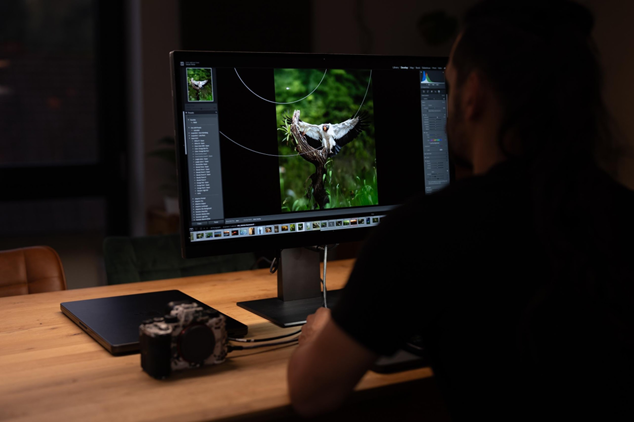
When I’m working outdoors – whether in the rainforests of Ecuador, the Pantanal, Scandinavian forests, or German nature reserves – everything relies on a single moment. Light, animal behavior, timing. But these moments don’t end in the field. They end in front of my screen. And it’s here that the true story of a photo is told.
The ViewSonic VP2788-5K from the ColorPro series has become my most essential tool in the studio. Not because of marketing promises, but because it delivers exactly what my work requires: maximum precision, perfect color accuracy, and efficiency tailored to the tools I use.
Discover the ViewSonic VP2788-5K ColorPro monitor and see how it supports my wildlife photography and editing workflow.
Why I Use a 5K Monitor to Edit High-Resolution Wildlife Photography
As a wildlife photographer, I work with extremely detailed subjects: the feathers of a kingfisher, the gaze of a jaguar, delicate reflections in tropical backlighting. The VP2788-5K delivers a resolution of 5120 × 2880 pixels with 218 PPI – and this is what makes the difference:
- Every RAW photo looks razor-sharp
- Masks and selections are more precise
- Focus errors are immediately visible
- More space for panels in Lightroom, Photoshop, Premiere Pro
Especially with high-resolution cameras like the Sony A1 II, or my 4K/6K/8K film projects, 5K resolution is a major workflow boost. Whether working with 8K footage or 50-megapixel wildlife images, it’s a game-changer.
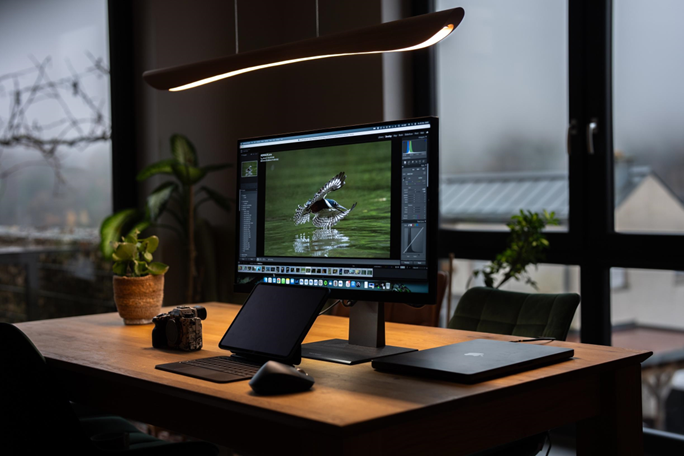
Professional Color Accuracy for Wildlife Photography and Color Grading
Wildlife is about true natural light. Not artificial, not exaggerated.
The ColorPro technology on the ViewSonic VP2788-5K provides exactly what I need for professional photo editing and color grading:
- 99% DCI-P3 color space – crucial for color grading
- Pantone Validated – reliable for print and campaigns
- Color accuracy without constant recalibration
- Perfect matching between monitor, prints, and brand requirements
Additionally, there’s something I’ve never had before:
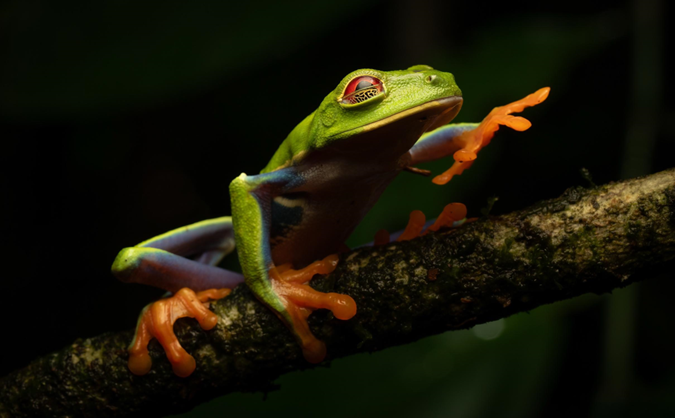
Soft Proofing for Photography: Proof Light with Switchable D65/D50 Mode
An integrated light source that directly simulates softproof lighting.
For me, this means: I immediately see how my image will look in a print environment or magazine layout without extra equipment.
This is a huge advantage, especially for professional photography projects like magazines, exhibitions, or partners like Sony, Adobe, and ViewSonic.
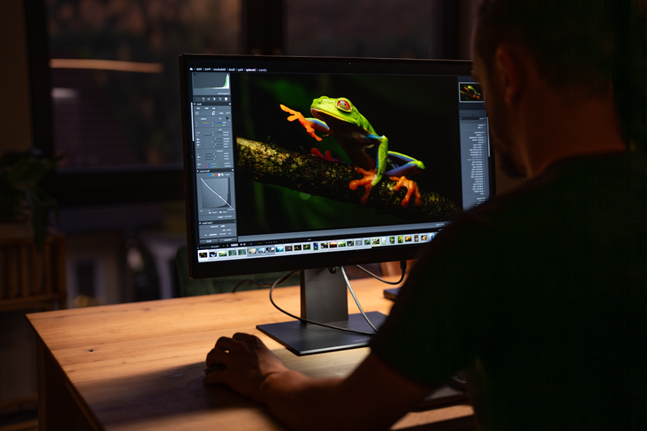
Thunderbolt 4 & USB-C Connectivity for a Clean Photography Editing Setup
When I return from Costa Rica, work in my camper, or am in the studio, I love setups that just work.
The ViewSonic VP2788-5K offers:
- Thunderbolt 4 connectivity
- USB-C with 100 W Power Delivery
- Daisy chain support for multi-monitor setups
One cable is all I need – for signal, power, and data all at once.
Full Connectivity for Photography and Video Editing Workflows
I often work with multiple cameras, docking stations, external SSDs, and capture solutions.
The monitor covers everything:
- HDMI 2.1 for high-resolution video input
- DisplayPort connectivity
- USB-A and USB-C ports
- Reliable connections for high-speed external SSD drives
- Audio out for studio monitoring
This simplifies live tethering, video playback, multi-screen setups, and fast studio workflow transitions.
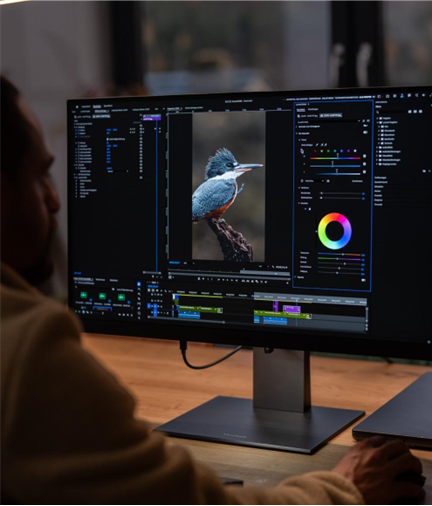
Anti-Glare Screen and Ergonomic Design for Long Photo Editing Sessions
Long editing sessions are a daily part of my workflow, especially after shoots in South America, Africa, or Scandinavia.
So, this is a real advantage:
- Anti-glare panel (AGLR) – fewer reflections, more accurate colors while editing
- Fully ergonomic stand – height, pivot, and tilt adjustments
- Perfect for dual-monitor setups, video editing timelines, or portrait-format photo editing
Combined with my 10GB NAS workflow and color-critical projects, I have an efficient setup that boosts my productivity.
ColorPro Software Tools for Color Calibration
I work quickly and color-critically. The ColorPro tools have really impressed me:
- ColorPro Sense – Inspiration & automated color palettes from my own images
- Colorbration+ – Hardware calibration at studio level
For someone like me, delivering projects for international clients, this is invaluable.
Conclusion – The Monitor Behind My Wildlife Photography Workflow
Nature isn’t perfect – it’s real. And that’s the authenticity I want to convey in my images.
The ViewSonic VP2788-5K helps me bring this authenticity into the digital world:
- Crisp 5K resolution and razor-sharp detail
- Color-accurate reproduction for professional photography projects
- Fast Thunderbolt workflows for creative setups
- Precise tools like Proof Light, ColorPro Sense, and Colorbration+
- Anti-glare, studio-ready design for long editing sessions
Whether photographing a jaguar in Brazil, an eagle in the North, a kingfisher in Germany, or tropical birds in Costa Rica – this monitor is my final tool for telling their stories technically accurately, emotionally powerful, and visually precise.
Take a closer look at the ViewSonic VP2788-5K and see how it fits into a professional wildlife photography editing workflow.


The post Pro Wildlife Photographer: What Monitor Should You Choose? appeared first on ViewSonic Library.
 La Jolla Mom
 Inside Higher Ed
  TechRepublic
  NewsBlaze News
  Harvard Business Review
  Avi Arora